Product

Templates

Resources

Pricing

Support

Product

Templates

Resources

Pricing

Support

SAVE 28% ON FRAMERFORMS, SUPERFIELDS & VIDEOFRAME | GRAB THE BUNDLE

Build powerful

CALCULATORS in Framer

Turn any Framer form into an interactive calculator that help visitors estimate, compare & convert. Zero code required.

Loved by 10,000+ brands

  • fortress.com
  • neonapps.co
  • Kombund group
  • realtypa.com
  • purify plus

Loved by 10,000+ brands

  • fortress.com
  • neonapps.co
  • Kombund group
  • realtypa.com
  • purify plus

Loved by 10,000+ brands

  • fortress.com
  • neonapps.co
  • Kombund group
  • realtypa.com
  • purify plus

CALCULATORS.
NOW IN FRAMER.

Help visitors estimate pricing, calculate value, and understand what they need before they convert.

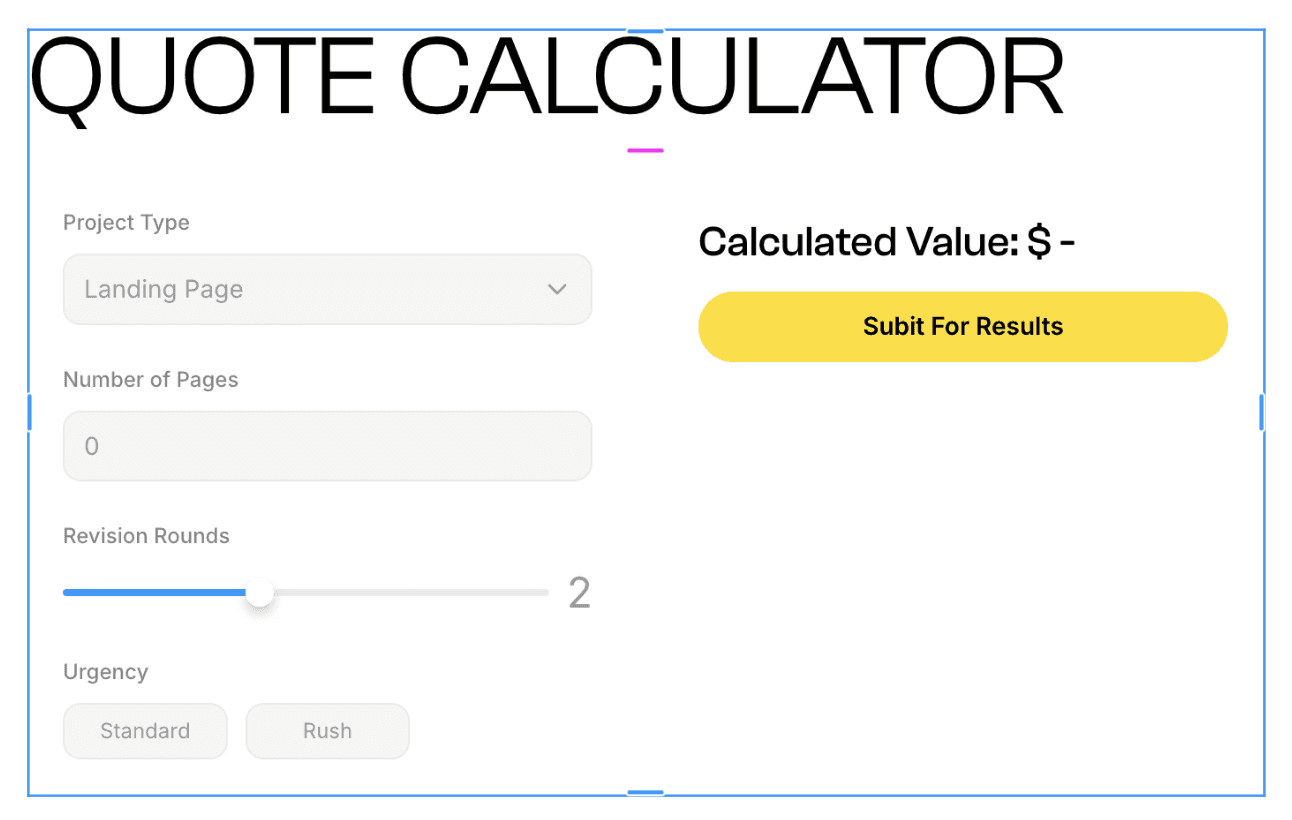
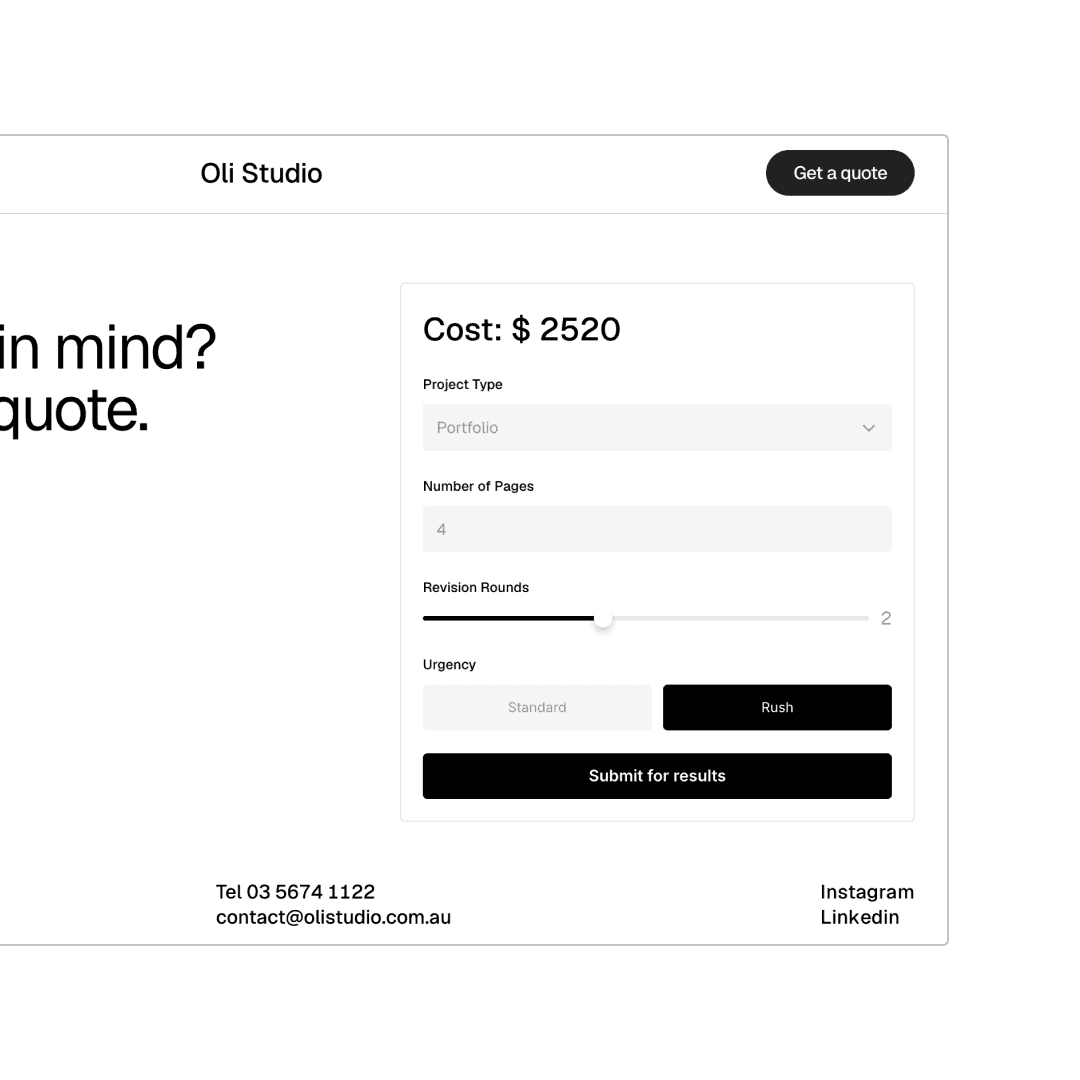
Estimate Pricing: Let visitors calculate quotes, packages, or project costs based on their needs.

Show Instant Results: Display totals, savings, scores, or recommendations as users complete the form.

Capture High-Intent Leads: Collect enquiries from users who already understand the value of your offer.
CALCULATE.
CAPTURE.
CONVERT.

Create calculators for the moments where visitors need clarity before they take action.

Pricing Calculators: Let visitors estimate the cost of a service, package, subscription, or custom project.

ROI Calculators: Show potential return, savings, revenue, or value based on a user’s inputs.

Score Calculators: Calculate scores, ratings, eligibility, or fit based on answers.

EVERYTHING YOU NEED.

Calculators works with Framer's native form builder.
Calculate Values

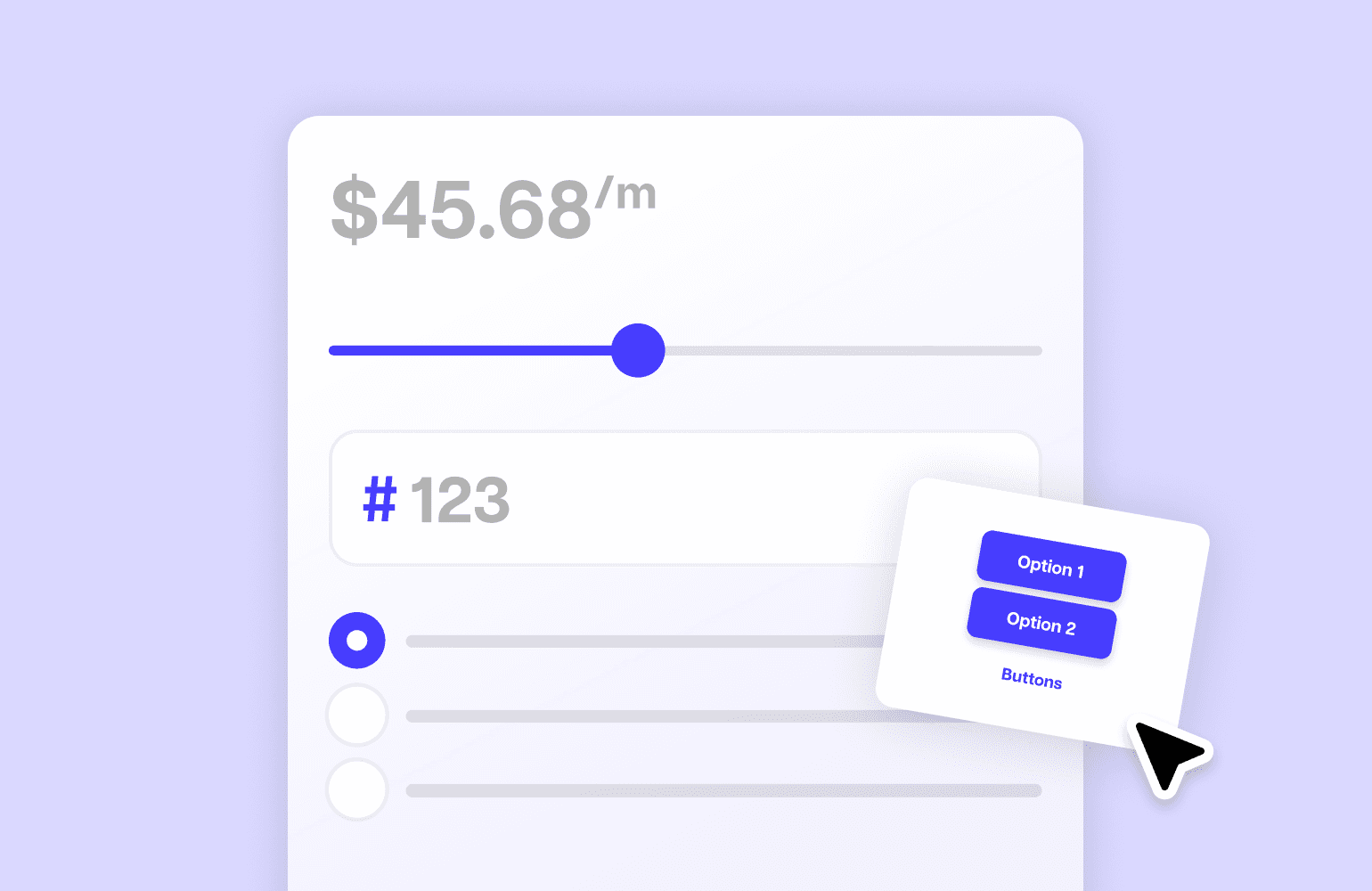
Use number fields, selections, sliders, or inputs to calculate totals, estimates, scores, and custom results.
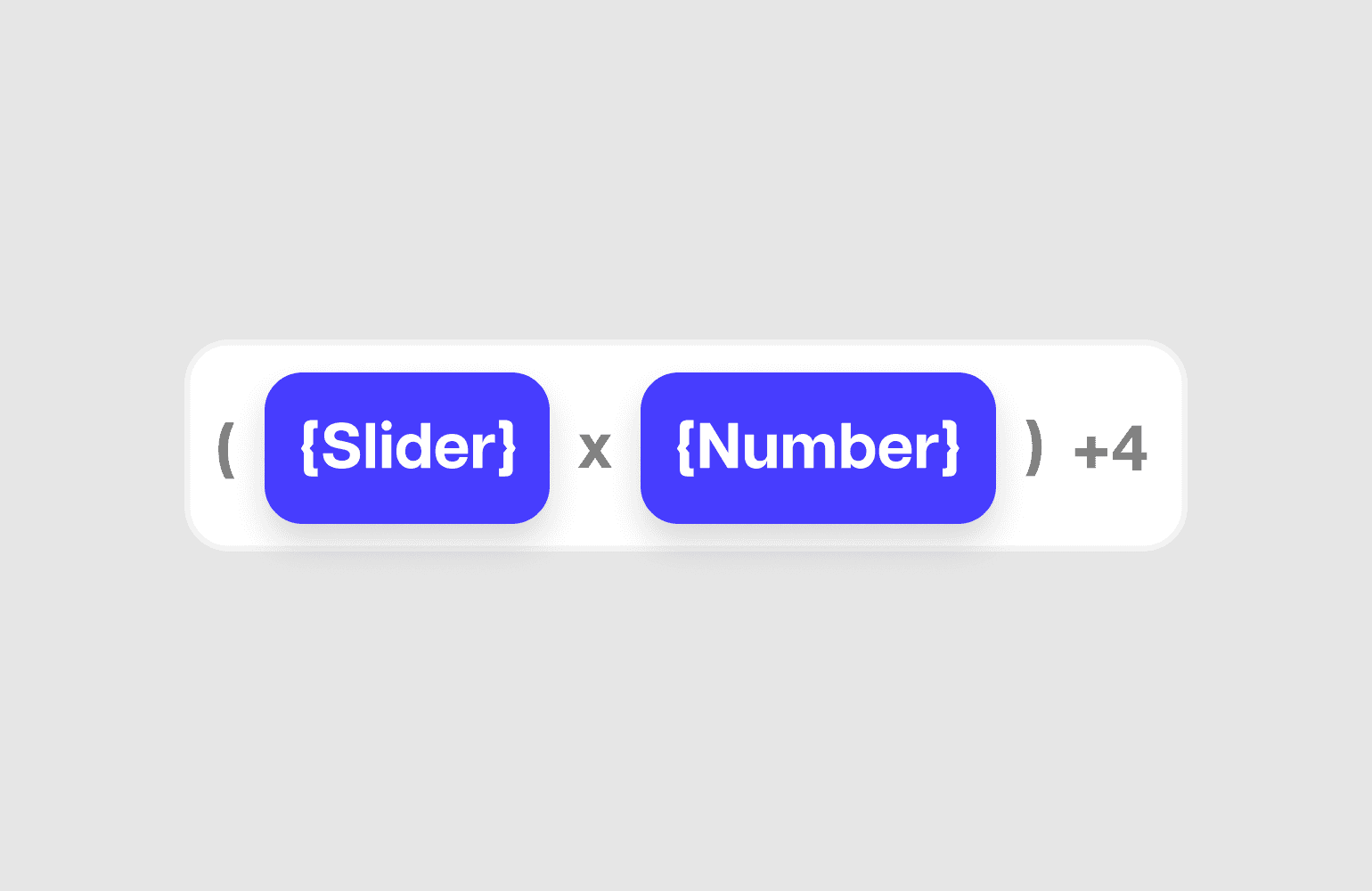
CREATE FORMULAS

Build calculations based on user inputs, selected options, quantities, percentages, or custom values.
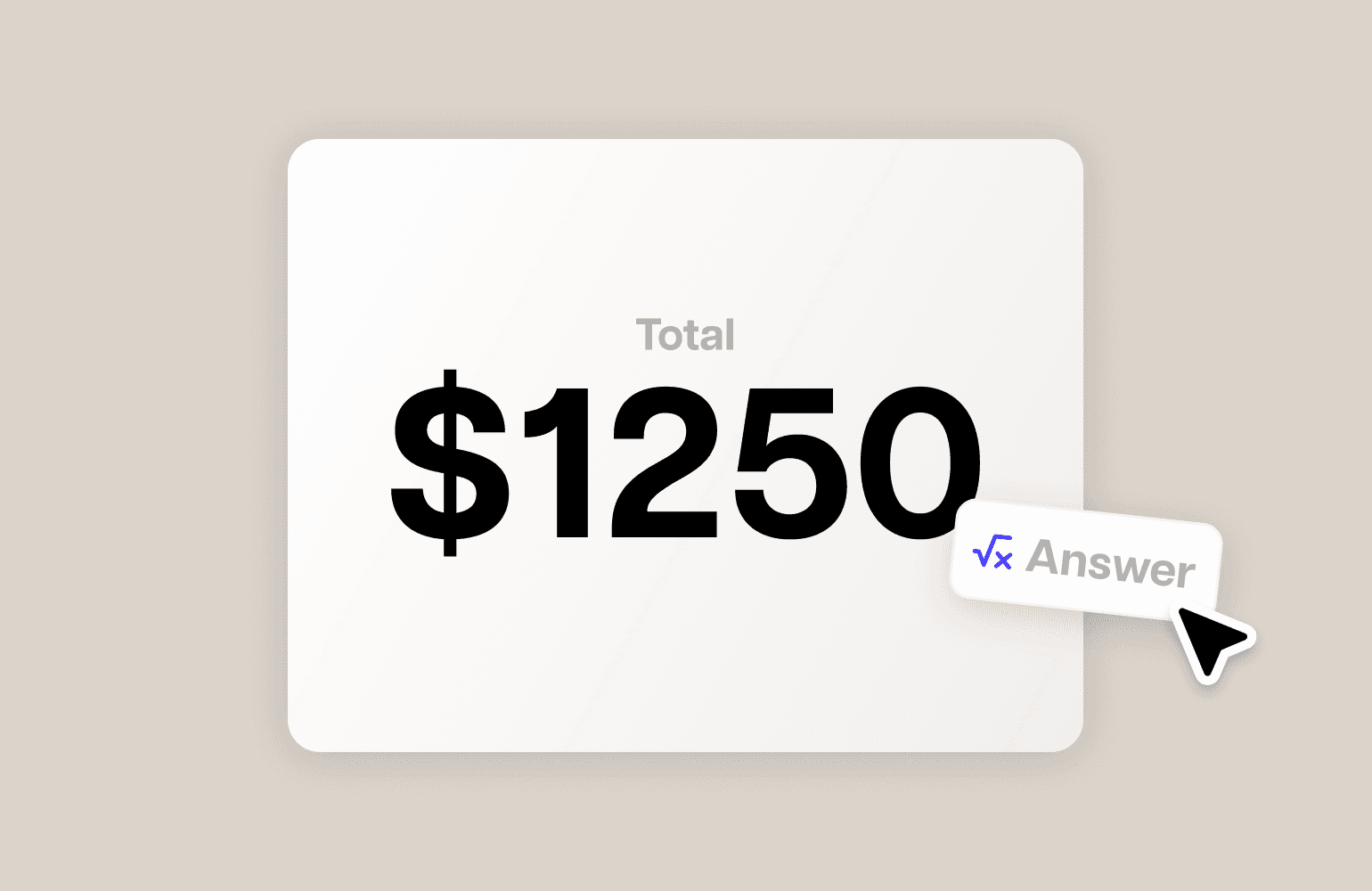
Show Instant Results

Display pricing, savings, ROI, totals, or recommendations directly inside your form experience.

Send Calculator DATA

Calculators work like any Framer form. Send results & submissions to your email, webhook, or Google Sheet.

BUILD CALCULATORS. ALL IN FRAMER.

DESIGN EVERYTHING
IN FRAMER

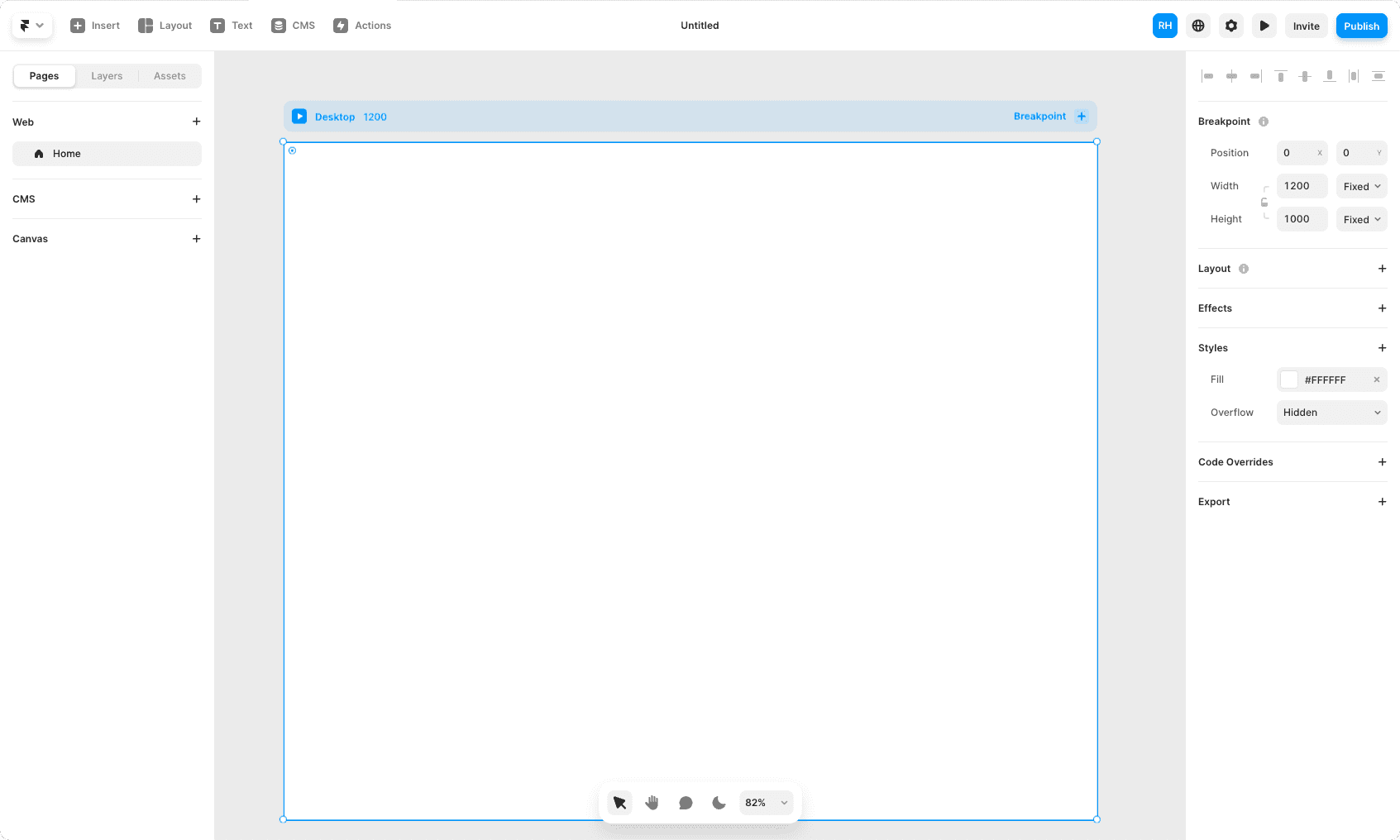
Adding calculators to your forms is as easy as drag-and-drop.
1

GET STARTED

Create your FramerForms account. Quiz & Calculator add-on required.

2

MAKE YOUR FORM

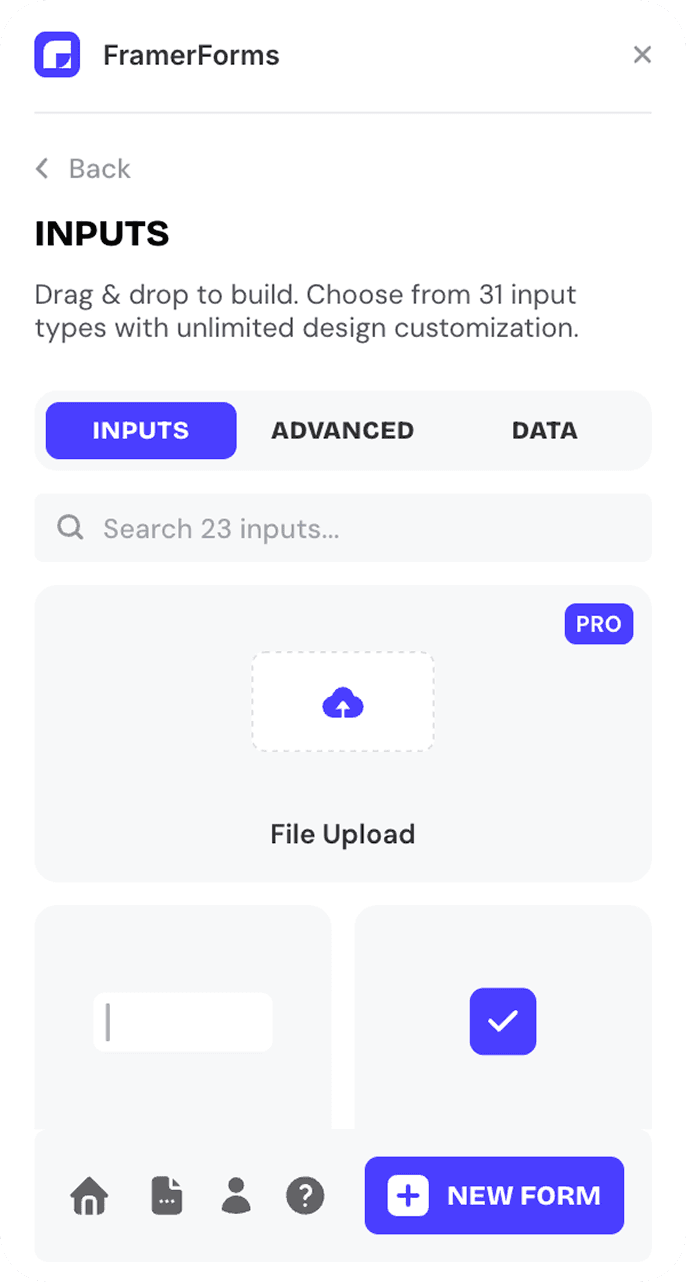
Drag and drop the calculator components into your project.

3

CONFIGURE

Set the calculator rules, formula & results. Built for scale.

4

PUBLISH YOUR SITE

Go live and start collecting calculator form submissions.

Loved by 10k+

customers

Don’t take our word for it. Thousands of Framer sites are using FramerForms to power up.

Loved by 10k+

customers

Don’t take our word for it. Thousands of Framer sites are using FramerForms to power up.

Loved by 10k+

customers

Don’t take our word for it. Thousands of Framer sites are using FramerForms to power up.

PAY ONCE. KEEP FOREVER.

UNLOCK CALCULATORS & QUIZZES FOR FRAMER FORMS

UNLOCK CALCULATORS

& QUIZZES FOR

FRAMER FORMS

Turn any Framer form into a calculator or quiz. One-time payment.

ADD-ON

CALCULATORS & QUIZZES

One-time fee.

$99

$119

Calculators

Quizzes

Life-time Access

Custom Calculators

Score-Based Quizzes

Formulas

Custom Results

Send Form Data

Priority support

12 Months of Updates

What the FAQ

What the FAQ

What is FramerForms?

FramerForms is a plugin for Framer that allows you to easily create custom forms with advanced features like multi-steps, file uploads and logic.

How many forms can I create?

Unlimited. Forever.

How do I add file uploads to my forms?

Adding file uploads is simple with FramerForms. Just drag the file upload component into your form, specify the types of files you want to accept, and set the file size limit. Upload documents, images, and other files directly through the form.

How does FramerForms work with Framer’s native forms?

FramerForms builds on Framer’s native forms, adding features like multi-step forms, file uploads, and other inputs for more advanced form functionality.

How do I build forms?

The process is straightforward, and we provide a simple to follow walkthrough video as well. In a nutshell: it’s mostly copy/paste + updating your form styling.

If I buy FramerForms, do I get access to the plugin as well?

Yes! When you purchase FramerForms, it includes access to the full plugin and all of its features. There’s no need for an additional purchase.

What's included in the Calculators & Quizzes add-on?

The add-on includes both Calculators and Quizzes. Build live pricing estimators, ROI calculators, and quote builders with Calculators. Build scored quizzes with custom result cards and redirect logic with Quizzes. Both work exactly like any other FramerForms form.

Do I need to know custom code/overrides?

Absolutely not. While FramerForms uses a little magic from code components, FramerForms are designed & built natively within the Framer platform.

What experience in Framer do I need to have?

Our forms are created with simplicity. You don’t need to have much experience with Framer to understand how to build forms with FramerForms.

Do you offer student / developing country discounts?

Yes, if you are a student or live in a developing country, Apply at https://insertframe.io/discounts for a discount. Great forms should be accessible to everyone!

Can I use FramerForms for client projects?

With our commercial plan, you get lifetime access for unlimited sites, making it an excellent choice for agencies looking to deliver advanced form solutions to their clients.

How does reCAPTCHA work in FramerForms?

To use the reCAPTCHA input, you’ll need to generate your own reCAPTCHA site key on Google. It’s free and only takes a minute.

Can I integrate FramerForms with Google Sheets or email?

Yes! FramerForms can send data to Google Sheets, email, and other services like Zapier or Make. This allows you to collect and manage form submissions outside of Framer.

Do I need an existing FramerForms plan to use Calculators & Quizzes?

Yes, the Calculators & Quizzes add-on requires an active FramerForms plan. It's available as an add-on on any paid plan.

How do I access Calculators & Quizzes after purchasing?

Once purchased, the add-on unlocks inside the FramerForms plugin. Open the plugin in your Framer project and you'll see Calculators and Quizzes as new form options ready to use.

What is FramerForms?

FramerForms is a plugin for Framer that allows you to easily create custom forms with advanced features like multi-steps, file uploads and logic.

How many forms can I create?

Unlimited. Forever.

How do I add file uploads to my forms?

Adding file uploads is simple with FramerForms. Just drag the file upload component into your form, specify the types of files you want to accept, and set the file size limit. Upload documents, images, and other files directly through the form.

How does FramerForms work with Framer’s native forms?

FramerForms builds on Framer’s native forms, adding features like multi-step forms, file uploads, and other inputs for more advanced form functionality.

How do I build forms?

The process is straightforward, and we provide a simple to follow walkthrough video as well. In a nutshell: it’s mostly copy/paste + updating your form styling.

If I buy FramerForms, do I get access to the plugin as well?

Yes! When you purchase FramerForms, it includes access to the full plugin and all of its features. There’s no need for an additional purchase.

What's included in the Calculators & Quizzes add-on?

The add-on includes both Calculators and Quizzes. Build live pricing estimators, ROI calculators, and quote builders with Calculators. Build scored quizzes with custom result cards and redirect logic with Quizzes. Both work exactly like any other FramerForms form.

Do I need to know custom code/overrides?

Absolutely not. While FramerForms uses a little magic from code components, FramerForms are designed & built natively within the Framer platform.

What experience in Framer do I need to have?

Our forms are created with simplicity. You don’t need to have much experience with Framer to understand how to build forms with FramerForms.

Do you offer student / developing country discounts?

Yes, if you are a student or live in a developing country, Apply at https://insertframe.io/discounts for a discount. Great forms should be accessible to everyone!

Can I use FramerForms for client projects?

With our commercial plan, you get lifetime access for unlimited sites, making it an excellent choice for agencies looking to deliver advanced form solutions to their clients.

How does reCAPTCHA work in FramerForms?

To use the reCAPTCHA input, you’ll need to generate your own reCAPTCHA site key on Google. It’s free and only takes a minute.

Can I integrate FramerForms with Google Sheets or email?

Yes! FramerForms can send data to Google Sheets, email, and other services like Zapier or Make. This allows you to collect and manage form submissions outside of Framer.

Do I need an existing FramerForms plan to use Calculators & Quizzes?

Yes, the Calculators & Quizzes add-on requires an active FramerForms plan. It's available as an add-on on any paid plan.

How do I access Calculators & Quizzes after purchasing?

Once purchased, the add-on unlocks inside the FramerForms plugin. Open the plugin in your Framer project and you'll see Calculators and Quizzes as new form options ready to use.

GET STARTED WITH FRAMERFORMS

GET STARTED WITH FRAMERFORMS

Building custom forms in Framer has never been easier. Start today.