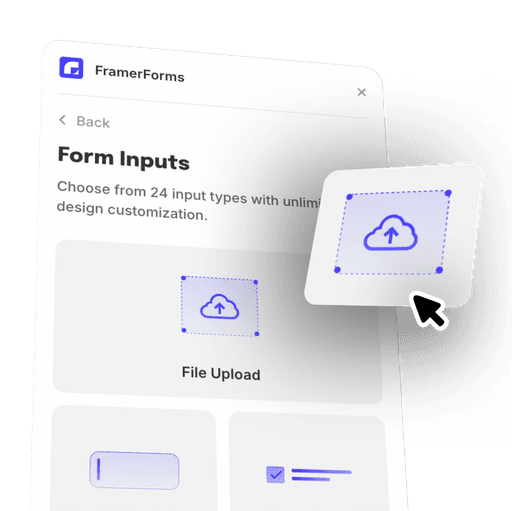
Whether you're collecting user feedback, job applications, or customer inquiries, file uploads enhance your Framer forms functionality and provide a superior user experience.
FEATURES
Adding file uploads to your forms opens up a world of possibilities:
Collect Detailed Information: Allow users to submit documents, images, and other files directly through your forms.
Streamline Workflows: Simplify processes such as job applications, support requests, and more.
Enhance User Experience: Provide a seamless and intuitive way for users to share important files.


FEATURES
With FramerForms, file uploads are more than just an add-on. They are designed to be powerful and flexible:


DESIGN CONTROL
Make your file upload inputs look great and fit seamlessly with your design:
Custom Copy: Adjust the text on the file upload input to guide your users.
Appearance and Colors: Change the appearance, including colours, to match your brand.
User-Friendly Design: We ensure your file upload components are intuitive and easy to use.
FRAMER INTEGRATION
Adding file uploads to your forms is as easy as drag-and-drop.

STEP 1
Get Started
Sign up for FramerForms and access your account.
STEP 2
Build Your Form
Copy the file upload component and paste it into your Framer project.
STEP 3
Style Your Form
Customize the appearance to match your design preferences using the styling tab.
STEP 4
Configure Details
Set file types, size limits, and other specifics to suit your needs.
What the FAQ